Publish Message
Enter the sermon details and provide a media link (Google Drive, YouTube, etc.) to publish.
Upload New Message
Google Drive Tip: Just paste your normal 'Share' link. Our system will automatically convert it so it plays directly on the site.
Upload a graphic for this sermon. This replaces the image on the player page.
Leave blank if you don't want a quiz for this sermon. The JSON must match the exact format shown in the prompt.
Manage Messages
View, edit, or delete published and draft messages.
Click "Manage Messages" in the sidebar to load.
Sermon Quizzes & Submissions
Quizzes are added manually when publishing a message. Below you can also see scores from users who have taken the quizzes.
1. Active Quizzes
Click "Quizzes" in the sidebar to load.
2. Student Submissions
Loading submissions...
Manage Gallery
Upload new photos and manage the website gallery.
Add New Media
Loading gallery...
Settings
Manage admin access for your team.
Authorised Admin Emails
These emails can access the admin portal. Each admin sets their own private password.
Manage Blog Posts
Create, edit, and publish articles for the DLCC Blog.
Create New Post
Use the editor toolbar to format your post. You don't need to write HTML.
Loading blog posts…
Special Guest Messages
Live check-ins from our YouTube, X, and Facebook community.
Listening for digital guest check-ins...
Manage Testimonials
Add and manage testimonies from church members.
Add New Testimony
Loading testimonials…
Home Banner & Announcements
Change the homepage top banner flyer and announce upcoming conferences, special services, or year themes.
1. Visibility & Display Format
Choose how the banner and conference announcement should appear to visitors.
Conference Showcase
Full feature mode: Flyer graphic alongside event badge, title, date/time, venue, description & registration buttons.
Flyer + Notice Ribbon
Full-width flyer banner with an elegant announcement bar directly underneath.
Graphic Flyer Only
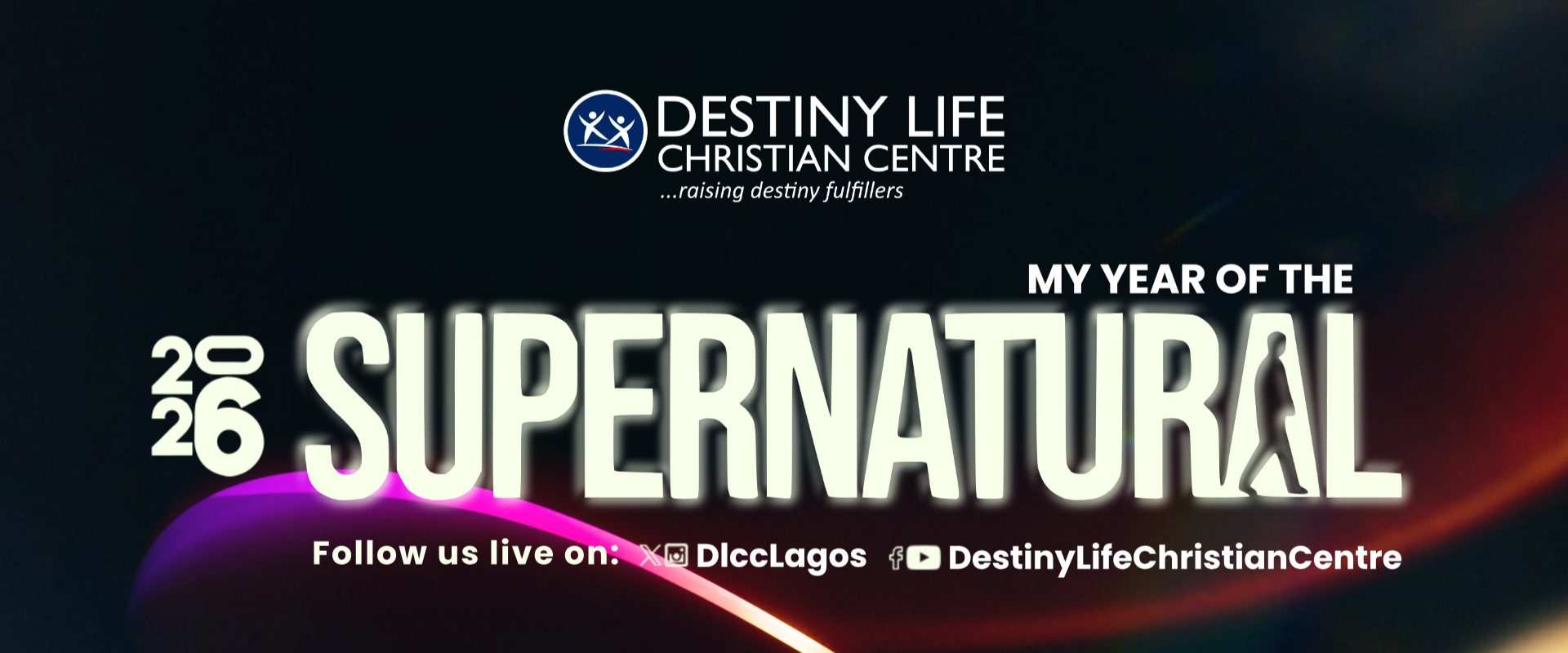
Displays only the graphic banner (e.g. Word of the Year theme or full flyer) without textual overlays.
2. Banner Graphic / Flyer Image
Upload a flyer from your phone/computer or use an image URL.
Automatically compressed for lightning-fast page loading.
Visitors will be taken to this link if they click the flyer image.
3. Conference & Event Announcement Details
Provide the information about your upcoming conference, convention, or special service.
4. Top Announcement Notice Bar (Optional)
Shows a slim announcement alert bar across the very top of the website.